What you will learn
Follow a film from the first idea to the final export. Develop a story and shot list, organise visual references,
generate images and moving clips, and build an edit with narration, music and subtitles. Learn how to review
outputs and make choices that support the story.
The proposed teaching plan provides an introduction to the complete process, with practical exercises and a
short final film.
Who this course is for
Suitable for students, aspiring filmmakers, content creators, and learners with some design or video editing
experience who want to explore AI-assisted film production. Basic comfort with computers and file management
is recommended.
Course syllabus
Modules 1 to 6 cover story development, visual planning and AI image and video generation.
1. Introduction to AI Filmmaking
Understand the AI filmmaking workflow, review the tools used at each stage, and plan the resources needed for
a short film. Discuss the film case study Easter Morning to connect the production steps with a finished example.
Topics: AI workflow, tools overview, film case study, project planning and resources.
2. AI Storytelling and Scriptwriting
Use ChatGPT to explore story ideas, develop a narrative structure and refine a short script. Translate the script
into scene descriptions and a shot list that will guide the visual work.
Topics: Story ideas, storytelling techniques, script development, scene descriptions and shot lists.
3. Storyboarding and Pre Production
Plan characters, scenes, camera angles and composition before generating clips. Use PureRef to organise
reference images and storyboard material so that the visual direction is easy to follow.
Topics: Character design, scene planning, camera angles, composition and visual references.
4. AI Image Generation
Write text-to-image prompts for characters, environments and cinematic frames. Explore ways to use visual
references and improve consistency between related images before selecting material for the film.
Topics: Prompt writing, character consistency, environments, cinematic frames and visual references.
5. AI Video Generation
Explore image-to-video, reference-image-to-video and text-to-video approaches. Practise describing camera
movement and action, then review the generated clips for their suitability within the planned sequence.
Topics: Generation approaches, camera movement and motion control.
6. AI Video Tools
Explore Hailuo AI, Luma and Adobe Firefly through practical demonstrations. See how image and video
generation tools fit into the filmmaking workflow and compare outputs for the needs of a particular scene.
Topics: Hailuo AI introduction, Luma video generation, Adobe Firefly images and video, practical demonstrations.
Course syllabus continued
Modules 7 to 12 bring the film together through voice, sound, editing, subtitles and the final project.
7. AI Voiceover and Narration
Explore Fish Audio for text-to-speech, narration and dialogue. Learn to select a voice for the scene and explore
custom-voice workflows using authorised voice material.
Topics: Fish Audio introduction, text-to-speech, narration, dialogue, voice selection and custom voices.
8. AI Lip Sync and Audio
Learn how dialogue, lip movement and sound work together. Explore lip-sync techniques, dialogue
synchronisation, sound effects, audio planning and basic mixing to support the action on screen.
Topics: Lip-sync techniques, dialogue synchronisation, sound effects, audio planning and mixing.
9. Video Editing with Adobe Premiere Pro
Import footage and organise clips on a timeline. Build the sequence, adjust the arrangement, and use
transitions, effects and keyframes where they support the film.
Topics: Media import, timeline editing, transitions, effects, keyframes and clip arrangement.
10. AI Subtitles and Export
Use automatic transcription as a starting point for subtitles, then review the words and timing. Style the
subtitles and prepare an H.264 MP4 export, including settings suitable for YouTube delivery.
Topics: Automatic transcription, subtitle styling, customisation, H.264 MP4 export and YouTube settings.
11. Music and Sound Design
Explore royalty-free music resources and select music that suits the film's genre and mood. Add sound effects
and balance the soundtrack so that dialogue and narration remain clear. Check the usage terms of selected
assets.
Topics: Music resources, music selection, genre research, sound effects and cinematic audio balance.
12. Final Film Project
Create a 30–60 second film from your own concept. Generate visuals and video clips, add narration, music and
subtitles, then edit and export the finished film.
Topics: Original concept, visual and video generation, audio, subtitles, editing and final export.
Frequently asked questions
What is AI filmmaking
AI filmmaking uses artificial intelligence within a film production workflow, including story development, visual
generation, voice and post-production. This course introduces the process through practical exercises and a
short final film.
How long is the course
The proposed teaching plan is 10–12 hours. Contact MAAC Noida for the current batch schedule and session
timings.
Is the course suitable for beginners
The course is designed for Beginner to Intermediate learners. It introduces the workflow step by step, while
learners with design or editing experience can apply those skills to their project.
Which tools will I explore
The syllabus introduces ChatGPT, PureRef, Hailuo AI, Luma, Adobe Firefly, Fish Audio and Adobe Premiere Pro.
These tools are explored at different stages of the workflow.
What will I create
The final project is a 30–60 second film built around your own concept, combining generated visuals and clips
with narration, music, subtitles and a finished edit.
Will I learn voiceovers and lip sync
Yes. The syllabus includes text-to-speech, narration, dialogue, voice selection, custom-voice workflows, lip-sync
techniques and basic sound mixing.
Will I learn editing and YouTube export
Yes. The course includes Adobe Premiere Pro timeline editing, transitions, effects, keyframes and subtitles,
followed by H.264 MP4 export and YouTube-ready settings.
How do I find out about fees and tool access
Speak to the MAAC Noida admissions team for the course fee, upcoming batches and the software accounts or
generation credits needed for practical work.
Enquire about AI Film Making
Tell us your name, mobile number and qualification. Our team can explain the course modules, upcoming
batches and enrolment process.
Enquire Now | Request Batch Details
📞Call : 08042781252
Frequently Asked Questions
Student Works
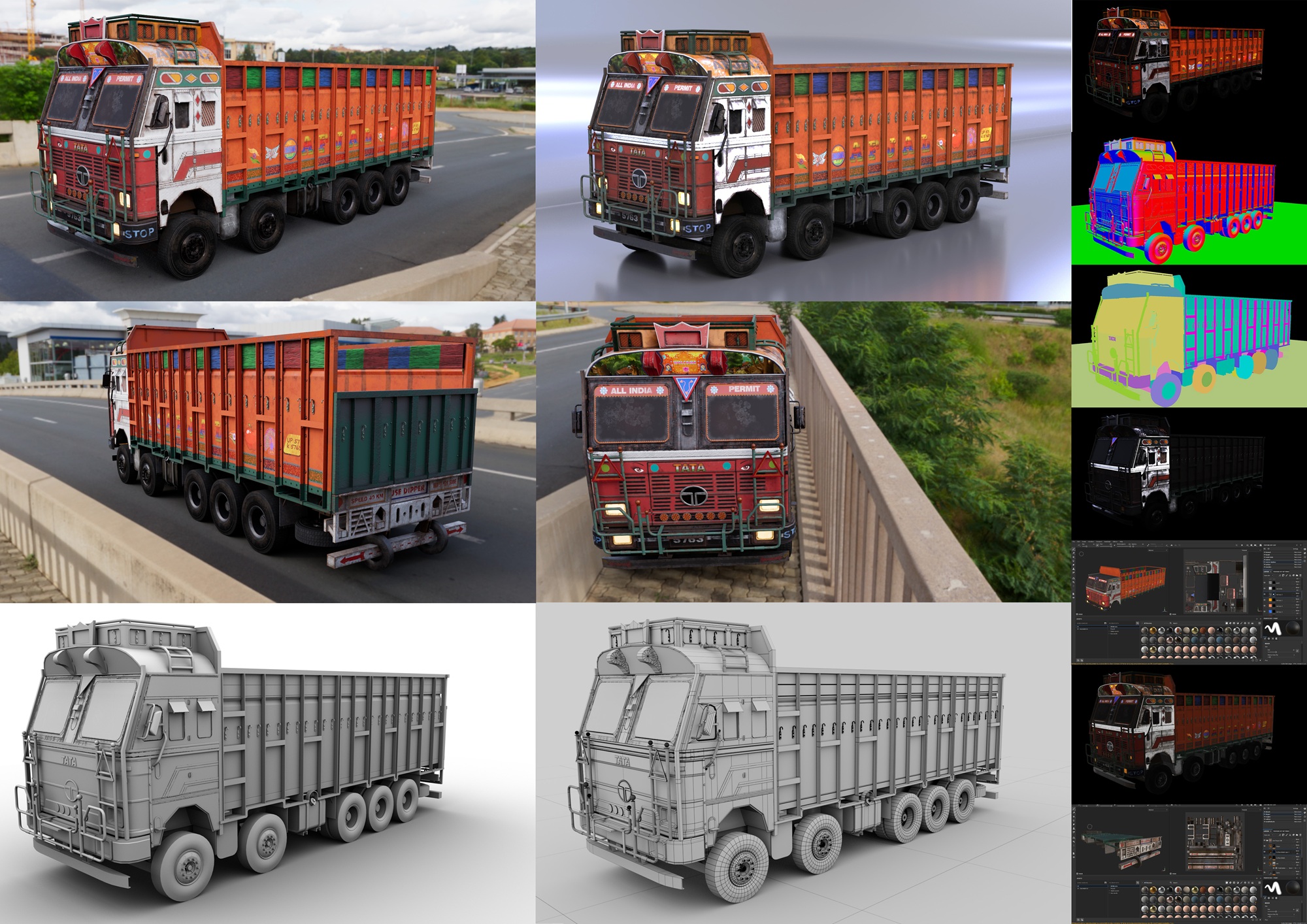
Sneak peek into creations from students studying 3D Animation with us.